Comparison · unofficial community guide
MotionBricks vs Kimodo: when you need live motion, and when you don't
Both projects come out of NVIDIA and both generate humanoid motion, so posts cross the names constantly. The README of MotionBricks settles the relationship in one line — and it is a division of labor, not a competition.
What the official README actually says
In the Related Work section of the MotionBricks README, Kimodo gets exactly one sentence: “A sibling project focused on offline motion generation, complementary to MotionBricks' real-time runtime.” That is the entire official characterization inside the MotionBricks repo — sibling, offline, complementary. Anything more specific about Kimodo belongs on its own project page or its GitHub repository, and we deliberately do not import numbers from there into this comparison.
The axis that matters: when the motion is made
MotionBricks generates motion at runtime, while you interact with it. In the shipped interactive demo you steer a Unitree G1 with WASD plus eleven style keys, and the model synthesizes the next frames as the keys change — the official project page states 15,000 FPS generation at 2 ms latency. The whole design (latent backbone plus smart primitives) exists to make that loop cheap enough to run live, for animation rigs and for robots that receive commands continuously.
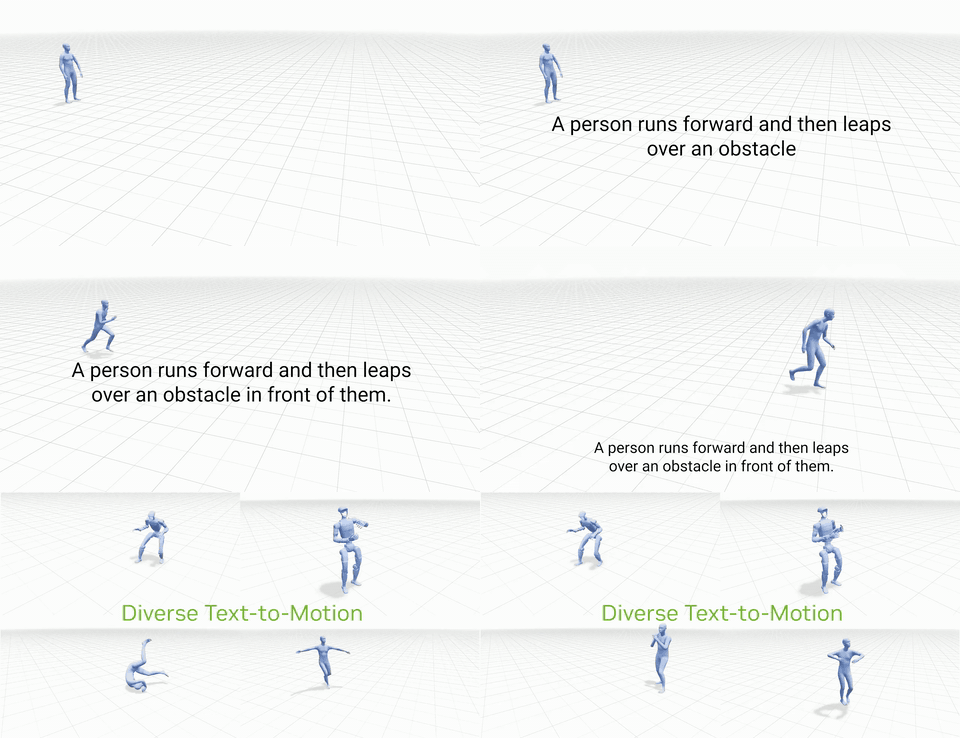
Kimodo sits on the other side of that line. “Offline” in NVIDIA's wording means the motion is produced ahead of time, not under a live input stream — the classic bake-then-use workflow, where output quality matters more than response time. Read the Kimodo project page for what it does well; this article only fixes the boundary.
| Dimension | MotionBricks | Kimodo |
|---|---|---|
| Timing of generation | Runtime, interactive | Offline, ahead of use |
| Latency pressure | Millisecond budget; official figure is 2 ms | No live interaction loop to satisfy |
| Official relation | — | Called a sibling project, complementary, in MotionBricks' README |
| Where it ships | GR00T-WholeBodyControl monorepo (preview) | Its own GitHub repository |
Which one should you reach for
If the motion has to react to something that is not known yet — a player pressing keys, a robot correcting its path, a character changing gait mid-stride — the offline route costs you the responsiveness, and that is the problem MotionBricks was built for. The setup guide here walks through running the interactive G1 demo yourself; twenty minutes with the keyboard usually makes the runtime/offline distinction intuitive.
If you are filling a timeline with finished animation and nothing changes after export, “offline” is not an insult — it is the right constraint, and bake-then-import is a normal pipeline, including the one sketched on our Unity bridge page. The wrong move is either project used against its own design intent.